
Sign in to iCloud
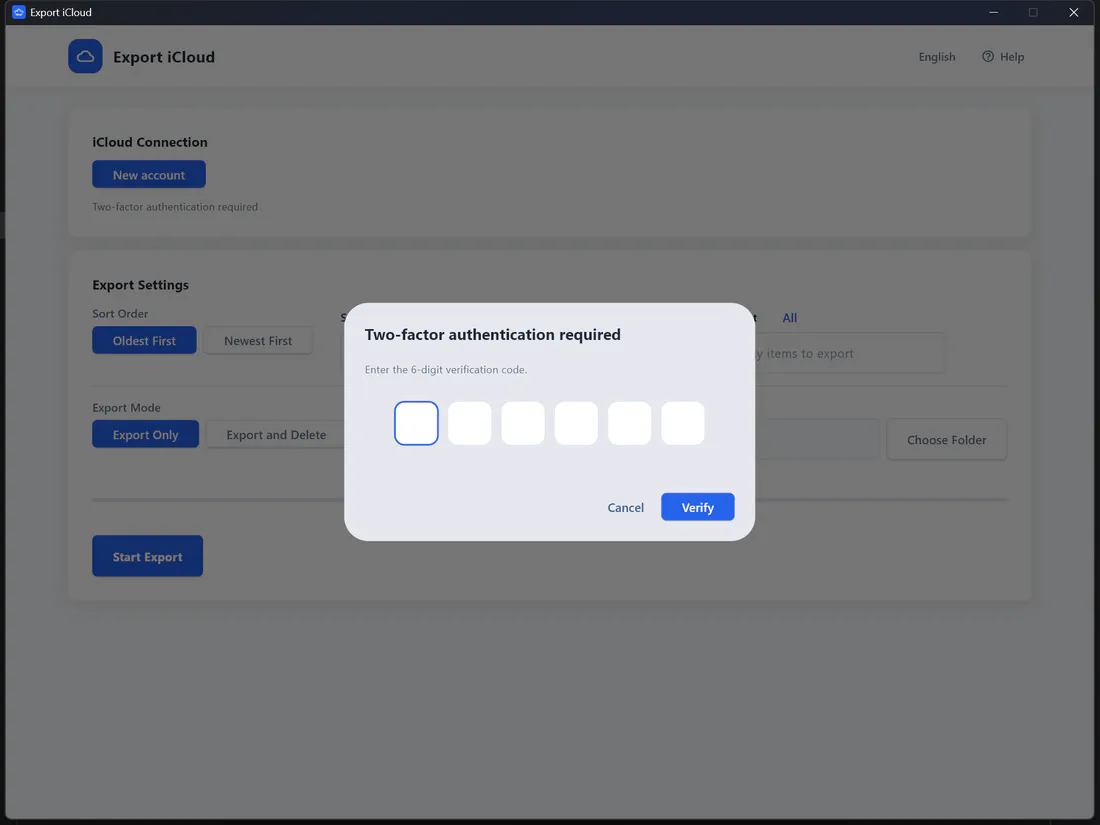
Enter your Apple ID in the app and type the 6-digit two-factor code. Your session is saved on your computer, not ours.
Export iCloud is a desktop app for Windows and Mac that downloads your whole iCloud Photos library to your computer or external drive, then frees up the iCloud storage you're paying for.
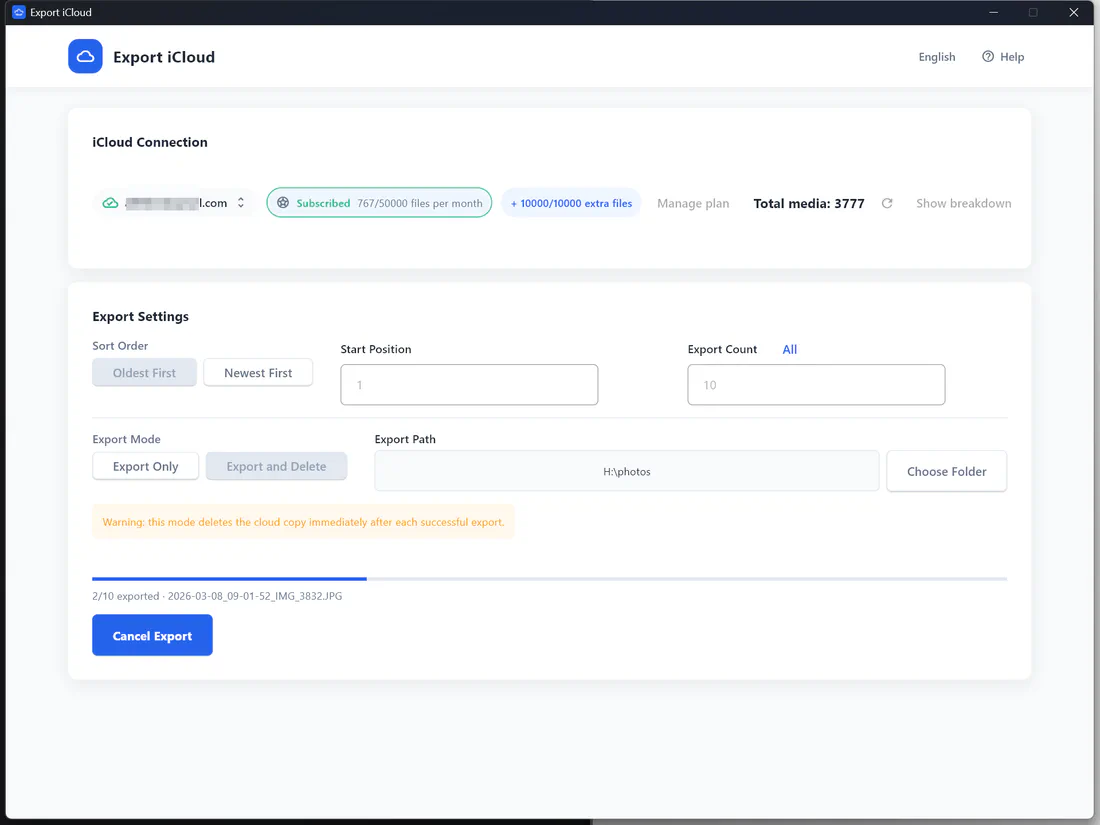
No browser downloads capped at 1,000 photos, no syncing your whole library first. Just sign in, choose, and export.
Enter your Apple ID in the app and type the 6-digit two-factor code. Your session is saved on your computer, not ours.
See your total photo and video count, pick oldest or newest first, set a start position and how many items to export, and choose a folder or external drive.
Click Start. Use "Export Only" to keep everything in iCloud, or "Export and Delete" to remove each item from iCloud after it's safely on your drive.
Connect with your Apple ID and the verification code from your iPhone. Export iCloud remembers the session on your device so you can come back later without signing in again.
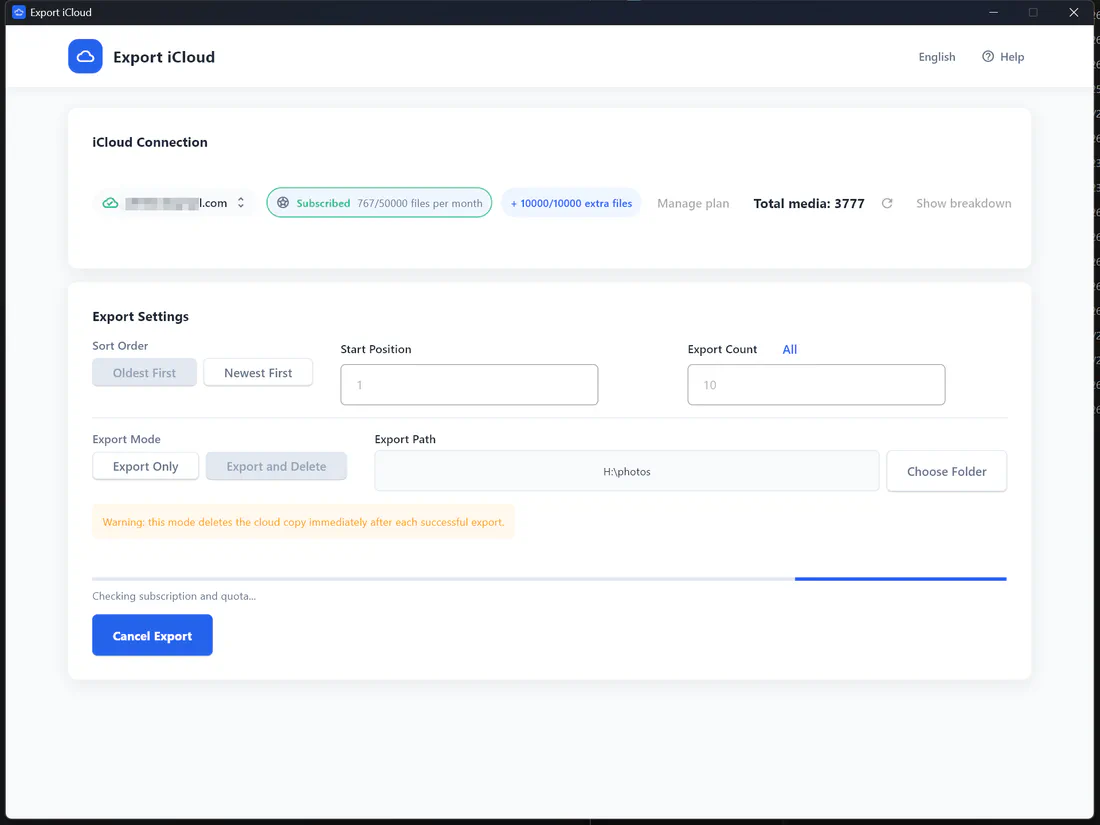
Export everything in one run, or work through a huge library in chunks. Each file keeps its original format and gets its capture date in the file name.
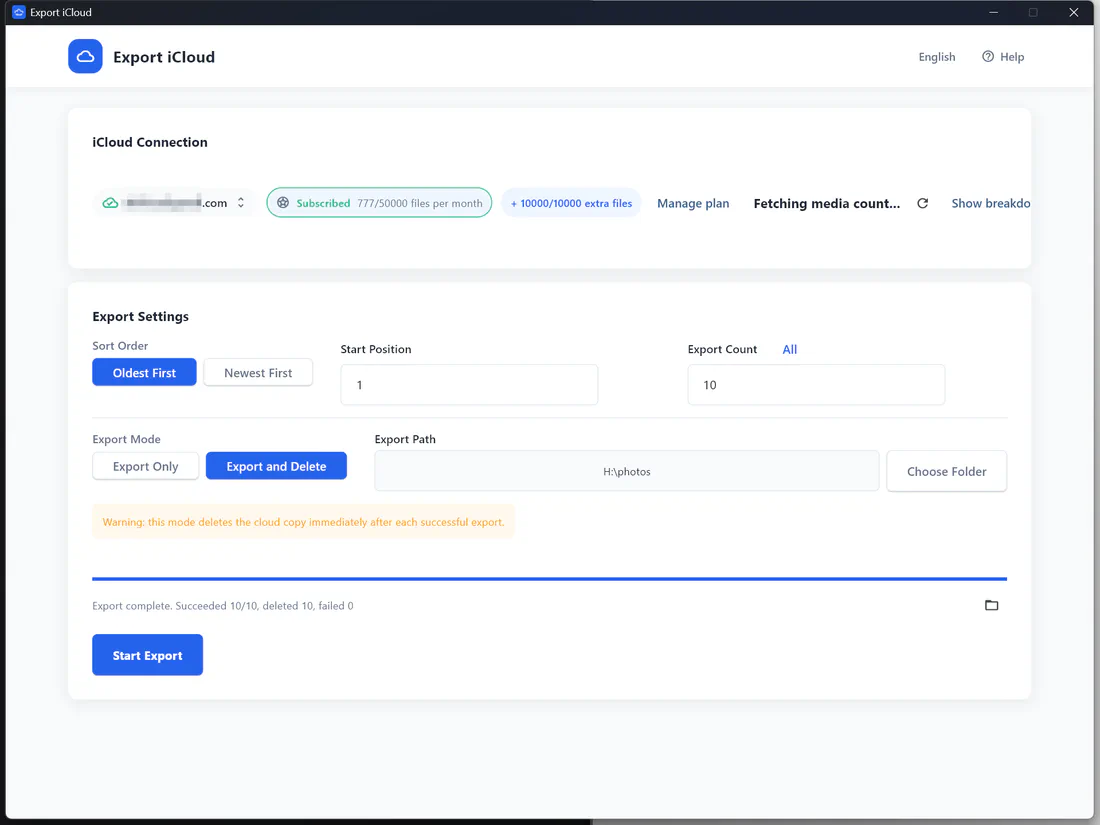
"Export and Delete" removes each photo or video from iCloud only after it has downloaded successfully, so you can shrink your library and drop to a cheaper iCloud+ plan — or the free 5 GB.
Photos and videos are downloaded from iCloud as the original files, not compressed previews, so nothing is lost on the way to your drive.
Export your whole library in one run, or choose a start position and count to work through a huge library in batches.
Optional "Export and Delete" mode removes each item from iCloud only after it has been saved locally, so you can stop paying for more storage.
Files flow straight from Apple to your PC or Mac. Your photos are never uploaded to our servers, and your session is cached only on your device.
Sign in with your Apple ID and enter the 6-digit code in the app. Saved sessions mean you won't have to log in every time.
Pick a folder on your internal disk, an external hard drive, a USB stick, or a NAS share mapped to your computer.
See photo and video counts before you start, and watch progress and your remaining quota update while the export runs.
The app is available in English, 简体中文, 繁體中文, 日本語, Deutsch, Français and Español.
Every file is saved as its capture date plus the original name (for example 2024-07-14_18-32-05_IMG_4821.HEIC), so your archive sorts chronologically in any folder.
Install the app, connect iCloud, export, and free up storage — in about two minutes.
Move photos and videos — usually the biggest thing in iCloud — to your own drive, then remove them from iCloud.
Learn more →Get your entire library — not 1,000 at a time — as original files on your computer.
Learn more →Send your iCloud library straight to an external SSD, hard drive or NAS — no internal disk space needed.
Learn more →Every account gets 200 free files each month. Bigger libraries can subscribe or buy a one-time pack inside the app.
$0/month
200 photo and video files every month
$9.99/month
10,000 photo and video files every month
$19.99/month
50,000 photo and video files every month
$6.99/one-time
Adds 5,000 files to any plan, no subscription
Prices in USD. Plans count photos and videos together as files. Subscriptions are billed securely through Stripe and can be cancelled anytime.
Want screenshots? See the step-by-step usage guide.
2024-07-14_18-32-05_IMG_4821.HEIC.Wondering why your iCloud storage is full? This guide explains the most common causes—photos, backups, messages—and what you can do about it.
Read article →Having iCloud doesn't automatically free up iPhone storage. Learn why your iPhone storage is still full and what you can do to actually reclaim space.
Read article →When iCloud storage is full, your backups stop, photos don't sync, and apps lose data. Learn exactly what breaks—and how to fix it before it causes …
Read article →Download your whole iCloud Photos library to your computer in original quality — then free up the space you're paying for.